
If you’ve been considering a smart home security system but felt overwhelmed by installation costs or complex wiring, SimpliSafe news in 2026 might be just what you’re waiting for. The DIY security market has shifted dramatically over the past few years, with SimpliSafe leading the charge toward affordable, wireless solutions that homeowners can actually install themselves. Whether you’re protecting a single apartment or securing a sprawling suburban home, understanding the latest SimpliSafe updates and how they stack up against competitors helps you make an well-informed choice without overpaying for features you don’t need.
Table of Contents
ToggleKey Takeaways
- SimpliSafe news in 2026 highlights Gen 3 systems with AI-backed motion detection and new Live Guard Outdoor Protection service, enabling live agents to respond to motion alerts in minutes.
- DIY security installation with SimpliSafe takes 2–3 hours and requires no professional wiring, making it ideal for renters and homeowners seeking flexibility without long-term contracts.
- SimpliSafe monthly monitoring starts at $14.99 and equipment costs $300–$500 upfront, saving homeowners thousands over five years compared to traditional alarm companies charging $40–$60 monthly.
- Enhanced camera features including 120-degree field of view, improved night vision, and seamless integration with Alexa and Google Home give SimpliSafe a competitive edge over standalone security gadgets.
- Proper sensor placement—avoiding sunny windows, ensuring quick keypad access, and mounting motion detectors 6–8 feet high—prevents false alarms and maximizes system reliability.
Recent SimpliSafe Product Updates and Releases
New Features and Technology Improvements
Simplisafe has rolled out several meaningful upgrades that address common homeowner pain points. The newer Gen 3 system now includes enhanced motion detection with AI-backed filtering, reducing false alarms triggered by pets or passing headlights. The wireless connectivity remains rock-solid, using both cellular and Wi-Fi backup, so you’re never without monitoring even if your internet drops.
One standout addition is the Live Guard Outdoor Protection service. SimpliSafe brings live agent monitoring to outdoor security cameras, merging AI detection with real-time human response. When motion is detected outside your home, a live agent can view the feed, speak through the camera’s two-way speaker, and contact authorities if needed, all within minutes. This bridges the gap between passive video recording and active threat response.
Camera quality has also improved. The outdoor cameras now feature clearer night vision and a wider field of view (120 degrees), reducing blind spots around entryways and driveways. The video doorbell syncs seamlessly with the system hub, letting you answer the door from anywhere using your phone.
Hardware integration is smoother too. SimpliSafe’s system now plays nicer with major smart home platforms like Alexa and Google Home, so you can arm/disarm or check sensors using voice commands without jumping between apps.
Pricing Changes and Promotional Offers
Simplisafe’s pricing structure remains competitive, though some changes deserve attention. Monthly monitoring plans now start at $14.99 for basic 24/7 professional monitoring, climbing to $24.99 for the full suite including video storage and Live Guard services. These are typically lower than traditional alarm companies, which often charge $35–$50 monthly.
Equipment costs are reasonable for what you get. A basic system hub with one door/window sensor and a keypad runs around $300–$400 upfront, with additional sensors at $25–$40 each. Cameras (indoor and outdoor) range from $100–$250 depending on features.
Promotional offers pop up regularly, many retailers run discounts around major holidays, offering 20–30% off equipment bundles or waiving the first month’s monitoring fee. Check SimpliSafe’s official site alongside third-party retailers for the best current deals, as pricing fluctuates seasonally.
SimpliSafe Market Position and Industry Trends
How SimpliSafe Compares to Competitors
Simplisafe occupies a sweet spot in the DIY security market. Unlike traditional companies such as ADT or Vivint, which require professional installation and lock you into long contracts, SimpliSafe lets you set everything up yourself and cancel anytime. Installation typically takes 30–60 minutes with no tools beyond a screwdriver: there’s no hardwiring, drilling into studs, or running conduit through walls.
Compared to newer entrants like Ring or Wyze, SimpliSafe offers deeper integration. You get a central hub that orchestrates everything, sensors, cameras, keypads, and sirens, rather than a collection of standalone gadgets. This means true 24/7 professional monitoring, not just app notifications.
Product review outlets consistently praise SimpliSafe for reliability and ease of use. CNET’s coverage of smart home products highlights how SimpliSafe’s approach works well for renters and homeowners who want monitoring without commitment. The system works nationwide and handles both cellular and Wi-Fi backup, crucial for anyone in areas with spotty internet.
Where SimpliSafe sometimes trails competitors is in smart home ecosystem depth. Systems like Smartthings or Apple’s HomeKit offer broader automation options (lighting, locks, thermostats), whereas SimpliSafe focuses squarely on security and safety. That focus, but, translates to reliability, fewer features means fewer points of failure.
Pricing-wise, SimpliSafe undercuts most professionals. You’re looking at $15–$25 monthly for monitoring versus $35–$60 from ADT or Vivint. Equipment costs fewer hundreds of dollars versus thousands upfront, and you own it outright without financing agreements. For budget-conscious homeowners, this matters.
Why Homeowners Are Choosing DIY Security Systems
The appeal of DIY security is straightforward: control and savings. Homeowners install when they’re ready, test everything before relying on it, and avoid the hard sell tactics common at traditional alarm companies. If you move, you take the system with you. Cancel anytime without early termination fees.
Lifestyle flexibility matters too. Renters, in particular, love DIY systems because installation leaves no permanent marks. Wireless sensors stick to windows and doors with adhesive strips. The hub sits on a shelf. Nothing requires drilling into frames or running wires through walls. When you move, peel everything off and take it with you.
Trust and transparency appeal to many. Professional monitoring still requires a person to eventually investigate if the alarm sounds. Good Housekeeping’s reviews of home safety systems emphasize that professional verification doesn’t mean wasted time, it means confirmation before emergency responders arrive. DIY systems let you skip the markups and retain that human-in-the-loop safety net.
Cost is the elephant in the room. A typical professional system costs $800–$1,500 in equipment plus $40–$50 per month. SimpliSafe costs $300–$500 upfront and $15–$25 monthly. Over five years, that’s thousands of dollars in savings, money many homeowners prefer to keep.
Besides, DIY systems eliminate lock-in contracts. You’re not locked into three or five years of monitoring at a fixed price. Rates can go up, sure, but you can switch companies or go monitoring-free whenever you choose. That freedom appeals to anyone who values flexibility over corporate commitments.
Getting Started: SimpliSafe Installation for Your Home
Installing SimpliSafe is genuinely within reach for most homeowners, and here’s how to approach it without frustration.
Before you start: Walk your home and count entry points, doors and windows. For a typical single-story home, expect to need 6–10 door/window sensors. Identify spots where motion detection matters (hallways, living areas, bedrooms). Note whether you want indoor cameras (living room, nursery) or outdoor cameras (front door, driveway).
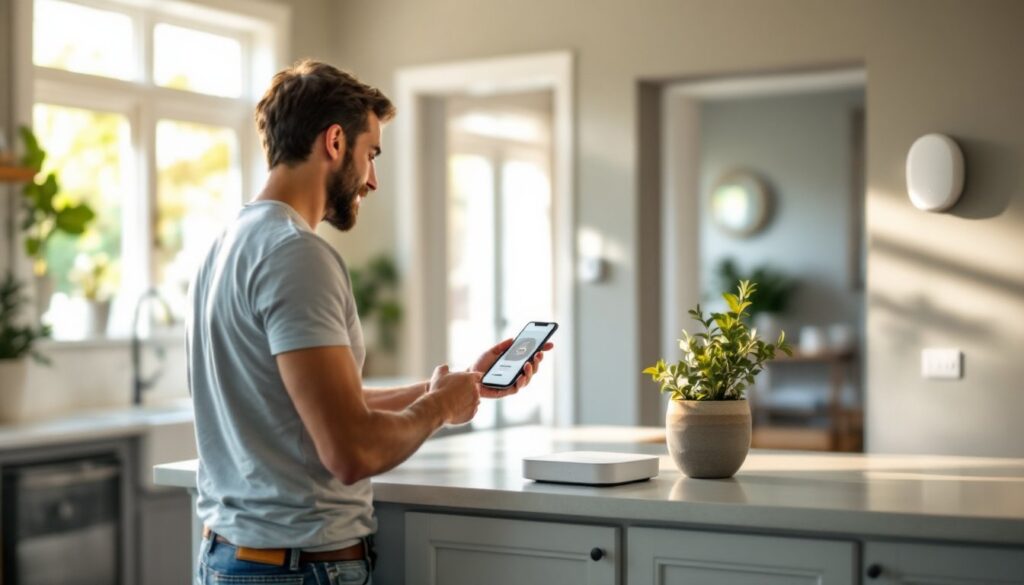
Step 1: Choose your hub location. The hub is your system’s brain. Place it centrally in your home, a kitchen shelf or hallway closet works well. Ensure it’s within Wi-Fi range and has access to power. If you’re pairing with cellular backup (recommended), the hub needs an open SIM card slot.
Step 2: Install sensors. Clean the surface where you’ll place each sensor with a dry cloth. Remove the adhesive backing and press firmly onto the door frame or window frame. Open and close the door or window to confirm the sensor triggers properly in the app. The process takes seconds per sensor: there’s no wiring.
Step 3: Place the motion detector. Mount it in a corner 6–8 feet high, pointed toward your home’s interior. Avoid pointing directly at windows (sunlight can cause false alarms) or heating vents (air currents trigger false motion).
Step 4: Install cameras. Mount your doorbell camera at entry height on the frame beside your front door. Outdoor cameras go under eaves or on corners where they have clear sightlines. Use the supplied mounting bracket and weatherproof seal (critical for outdoor units).
Step 5: Test everything. Arm the system in the app, then trigger each sensor by opening a door or walking past the motion detector. Verify all cameras stream clearly in the app. Take screenshots of sensor placements for future reference.
Common mistakes to avoid: Don’t install motion detectors directly opposite windows in sunny rooms. Don’t place door sensors where the door swing blocks the sensor pair. Don’t bury your keypad in a closet, mount it somewhere you can reach it quickly if you forget the code.
Do you need a professional? No. SimpliSafe is designed for self-installation. But, if you’re uncomfortable on a ladder for exterior cameras or drilling a small hole for a doorbell power wire, hiring a handyperson for 1–2 hours costs less than a professional security company’s installation fee.
Safety note: Wear safety glasses if you’re working on a ladder. Use a stud finder if you’re drilling into exterior trim to avoid pipes or wiring inside walls. Follow SimpliSafe’s documentation for any electrical work on the doorbell camera.
Once everything is live, add your monitoring plan through the app. Choose whether you want 24/7 professional monitoring, video storage, or Live Guard services. The entire process, unboxing to armed system, takes 2–3 hours for a typical home.